10s Frame for iPad


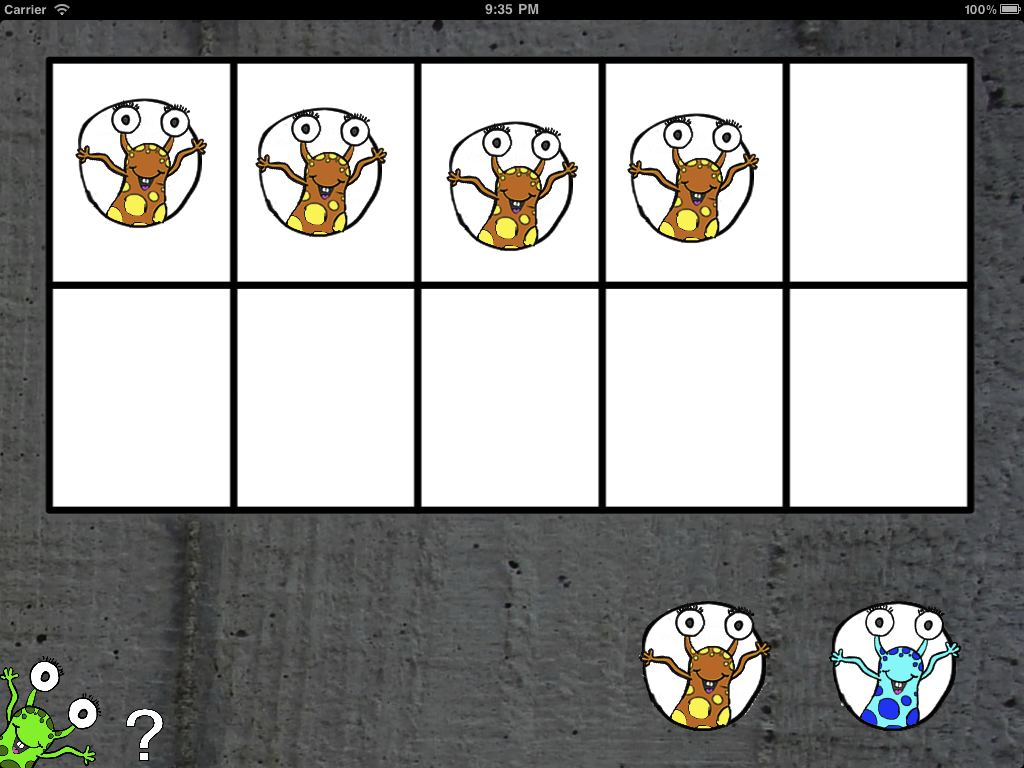
A tens frame is a simple yet very effective tool for playing with numbers up to five and ten. This app provides a tens frame and twenty counters, ten blue and ten orange. The ‘tens frame’ is able to be hidden as well, leaving a space for manipulating counters by themselves.

How could my child use a tens frame? Here are some ideas!

Check that the student can recognise the number of dots on a tens frame card instantly without counting.

Addition:
Make sure the students understands that the dots plus the spaces equal ten. Practise all the combinations that make ten.

Subtraction:
Place all ten dots on the frame and ask the students to imagine taking off some dots. For example, for ten minus six the students imagine six dots removed and see that there are four dots left. Check this by actually removing six dots. This leaves four dots exposed.

Practice all 12 combinations of every basic fact. For example the basic fact 2 + 8 = 10 is linked to all these problems:
2 + 8 = ? ? + 8 = 10 2 + ? = 10 8 + 2 = ?
? + 2 = 10 8 + ? = 10 10 – 8 = ? ? – 8 = 2
10 – ? = 2 10 – 2 = ? ? – 2 = 8 10 – ? = 8

Reviews from the App Store
“Tens frame – Awesome for supporting developing addition and subtraction skills.”
100s Board for iPad


“I love, love, love 100s Board. My child has cp, and he has to learn to do math in head because he cannot write on his own…..yet! We use the 100s Board almost daily, and it is always on my list of top 5 apps. He does addition, subtraction, counting coins, even time, as well as the regular things you’d do on a 100s board . . .

. . . It has truly been life-changing for my son as far as math is concerned.”

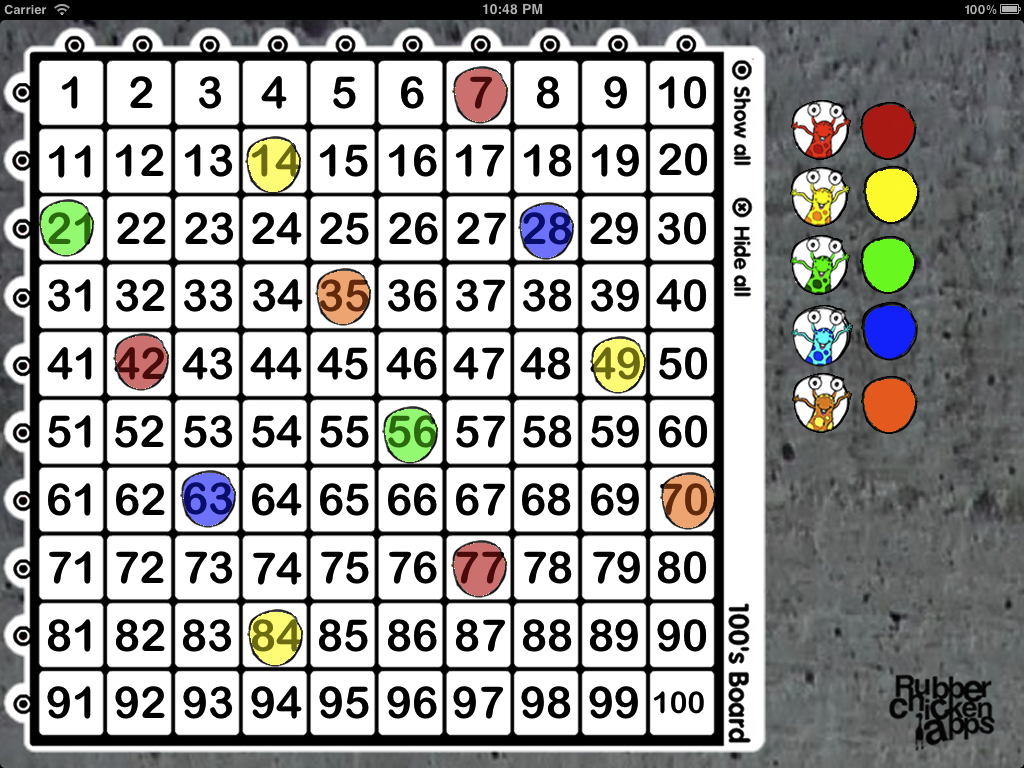
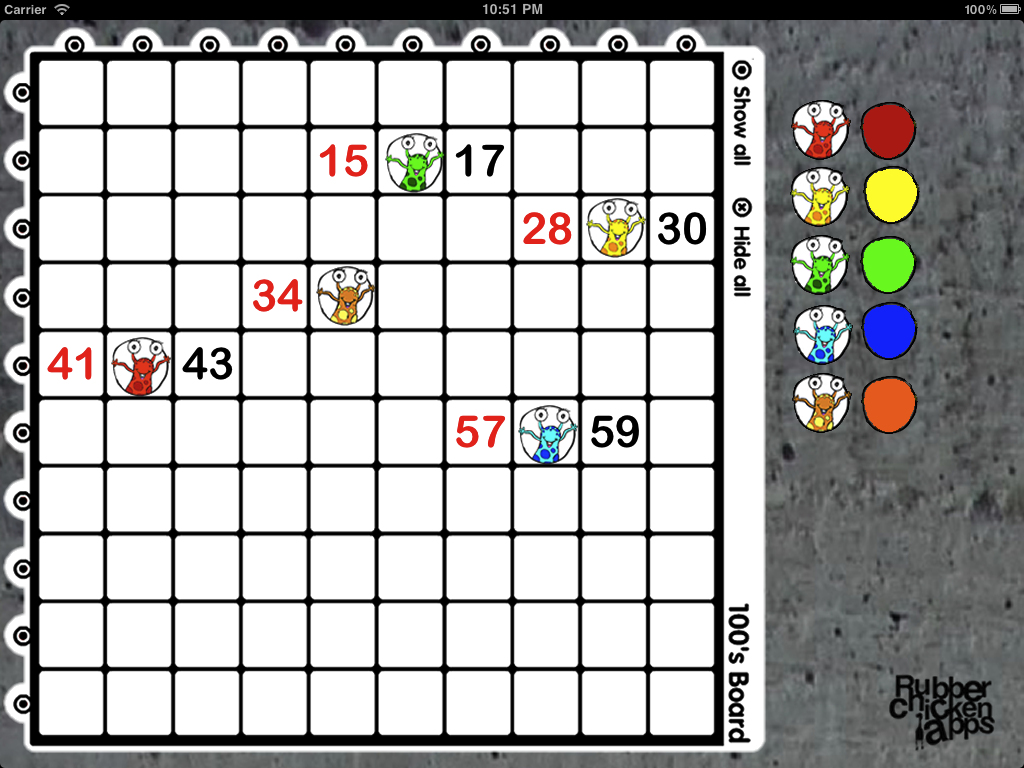
The 100’s Board app is exactly that! A digital 100’s board that can show and hide all of the numbers to 100. Numbers can be pressed to change from black to red. All numbers can be hidden or shown at the same time, or in rows / columns of ten. Ten draggable counters are also included for even more fun and games!

This is a great educational K-12 app for helping children with their mathematics, making sense of numbers to 100. 100’s Board can be used for counting in 1’s, 2’s, 5’s and 10’s or can be used for any number of math games such as ‘squeeze’ or ‘guess my number’.

Great in the classroom, at home, or on the move! Here’s a review of the 100s Board app from Stuart Charles –>;;

Staple : 100s Board
I like the bit where he says, “I think it’ll be one of those staple apps that should be on every student’s iPad.”

And a review from some children at Yokohama International School –>;;
http://blogs.yis.ac.jp/cowdyt/2012/03/03/the-children-review-a-100s-square-ipad-app/

Reviews from the App Store
“This app is perfect for using in the classroom and for helping children with math. I would recommend it for everyone with children.”

“100s board – Versatile tool to work on counting, identifying missing numbers and developer is quick to respond to emails. Kdg teacher”

“Fine, very basic – My 6 year old enjoys the colorful place holders, but the description of this app did not clearly state that it is a digital manipulative, NOT a tutoring game. I might also suggest to the developers that a number chart should begin with 0 (this chart is useless for teaching math concepts through a number line).”

Number Find for iPad

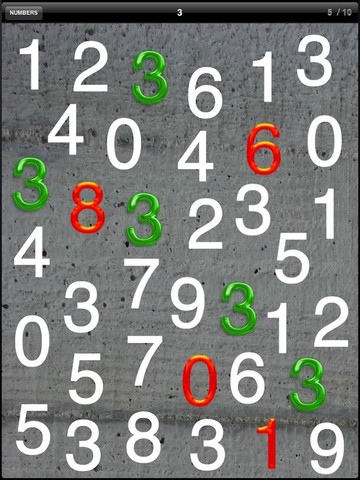
Number Find is an app designed to help children practice quickly identifying numbers when they are amongst other numbers. Children tap on numbers and need to find all ten to move on. This is a great activity to help quick recall of number identification.

20111217-072800.jpg

Letter Find for iPad

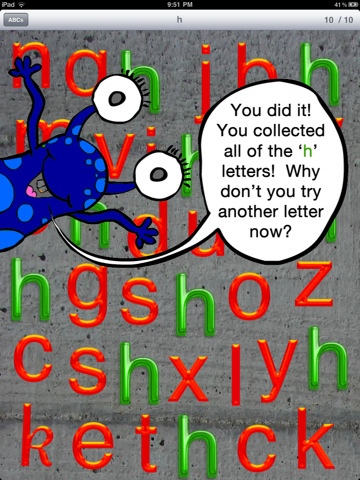
Letter Find is an app designed to help children practice quickly identifying letters when they are amongst other letters. Children tap on letters and need to find all ten to move on. This is an activity used by Reading Recovery teachers to help quick recall of letter identification.

20111217-072720.jpg

Reviews from the App Store
“A great app for learning letters in isolation. It has helped my 4 year old son to learn unknown letters and consolidate the ones he already knew. A fun learning game that the kids keep re visiting, so well worth it. The simple green for correct and red for incorrect are a clear visual. As a Primary teacher I have used this app in the classroom with great success as well, it is one that children can experience and learn with independently. Thanks”

“So simple, yet so great to use with students – they love it! Great to reinforce letters and to practice differentiating between them. Great app – thanks :)”

“A must have simple yet educational little App. Kids just love it and teachers see how it can support and enhance their literacy programmes. I love it and cross fingers that a ‘Number Find’ might follow?”

RR for iPhone


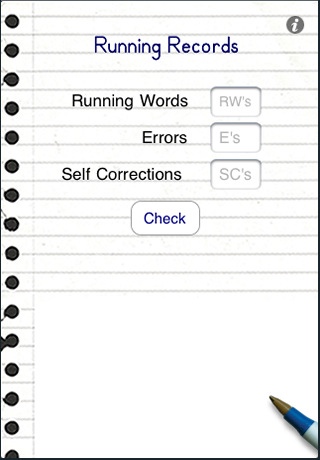
RR is an easy way for teachers to check the results for a running record test of reading. Simply enter the number of words read, number of errors and the number of self corrections.

RR will then feedback to you the error rate, percentage rate, self correction rate, and whether the text read is ‘easy’, ‘instructional’ or ‘hard’.

Great for all classroom teachers who use Running Records to monitor student reading processes and achievement!

20111217-072634.jpg

Running Recs for iPhone


Running Recs is an easy way for teachers to check the results for a running record test of reading. Simply enter the number of words read, number of errors and the number of self corrections.

Running Recs will then feedback to you the error rate, percentage rate, self correction rate, and whether the text read is ‘easy’, ‘instructional’ or ‘hard’.

Great for all classroom teachers who use Running Records to monitor student reading processes and achievement!

20111217-072606.jpg